Dispatch Board
Your entire day at a glance. Drag, drop, done.
Every technician. Every job. Every time slot. One screen designed specifically for elevator dispatch — not repurposed from HVAC or plumbing software.
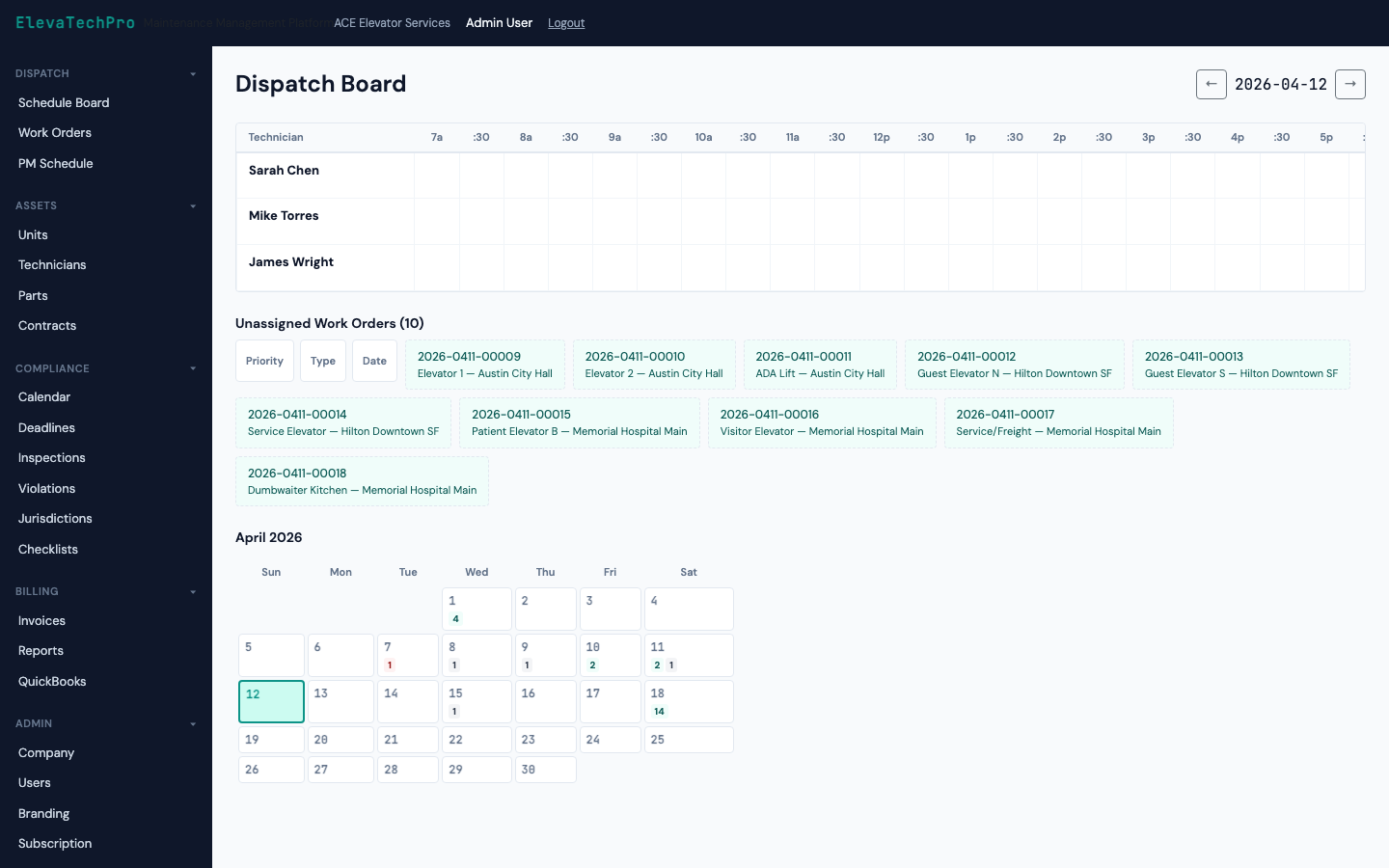
Every technician. Every job. Every time slot. One screen designed specifically for elevator dispatch — not repurposed from HVAC or plumbing software.
Technicians as rows. 30-minute time slots as columns. Every work order color-coded by type. Everything draggable.
Click a work order and drag it to any technician, any time slot. The board updates in real time and notifies the technician on their mobile app instantly.
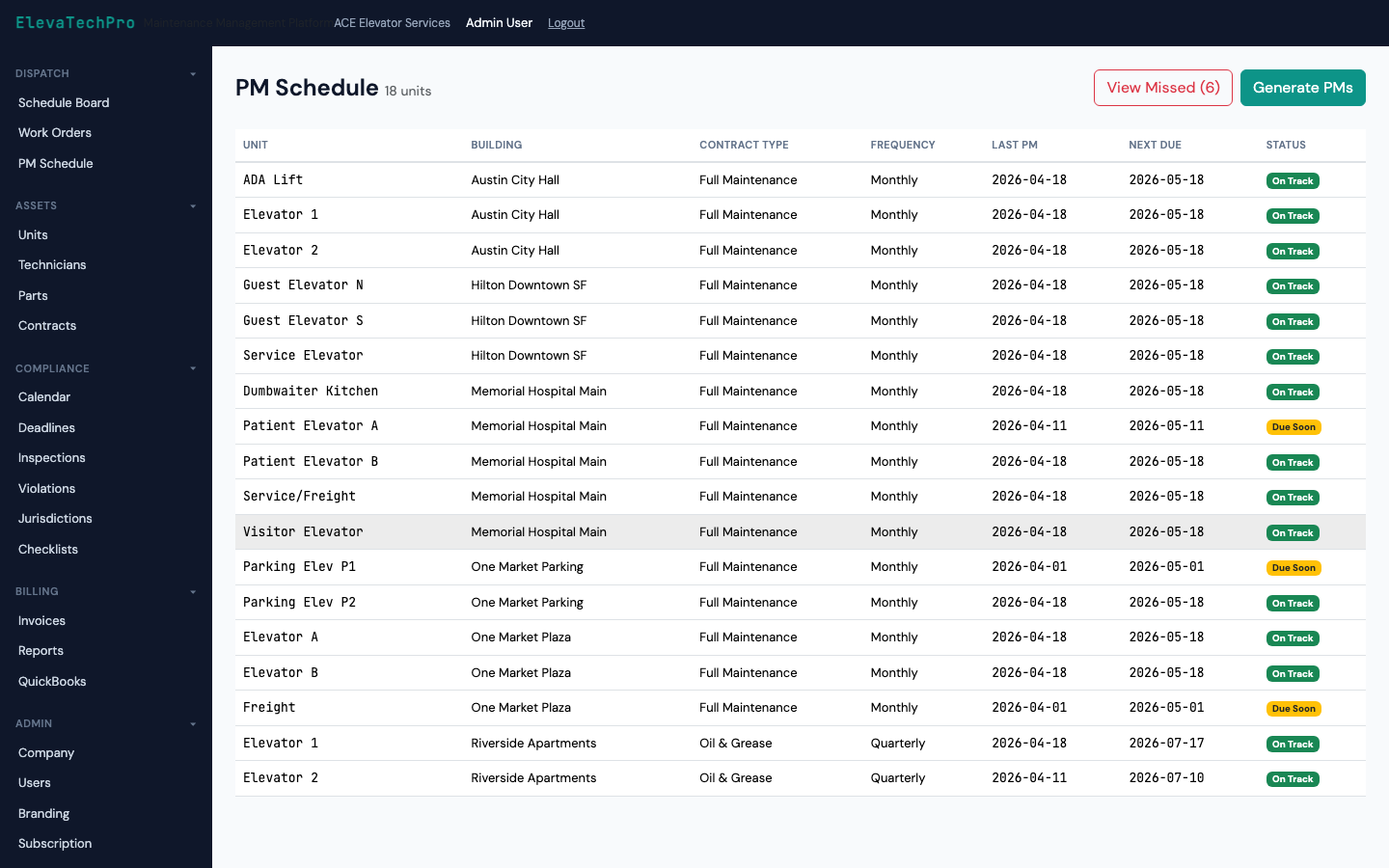
Every work order shows a live countdown to SLA breach. Color shifts from green to amber to red as the deadline approaches — no separate spreadsheet to monitor.
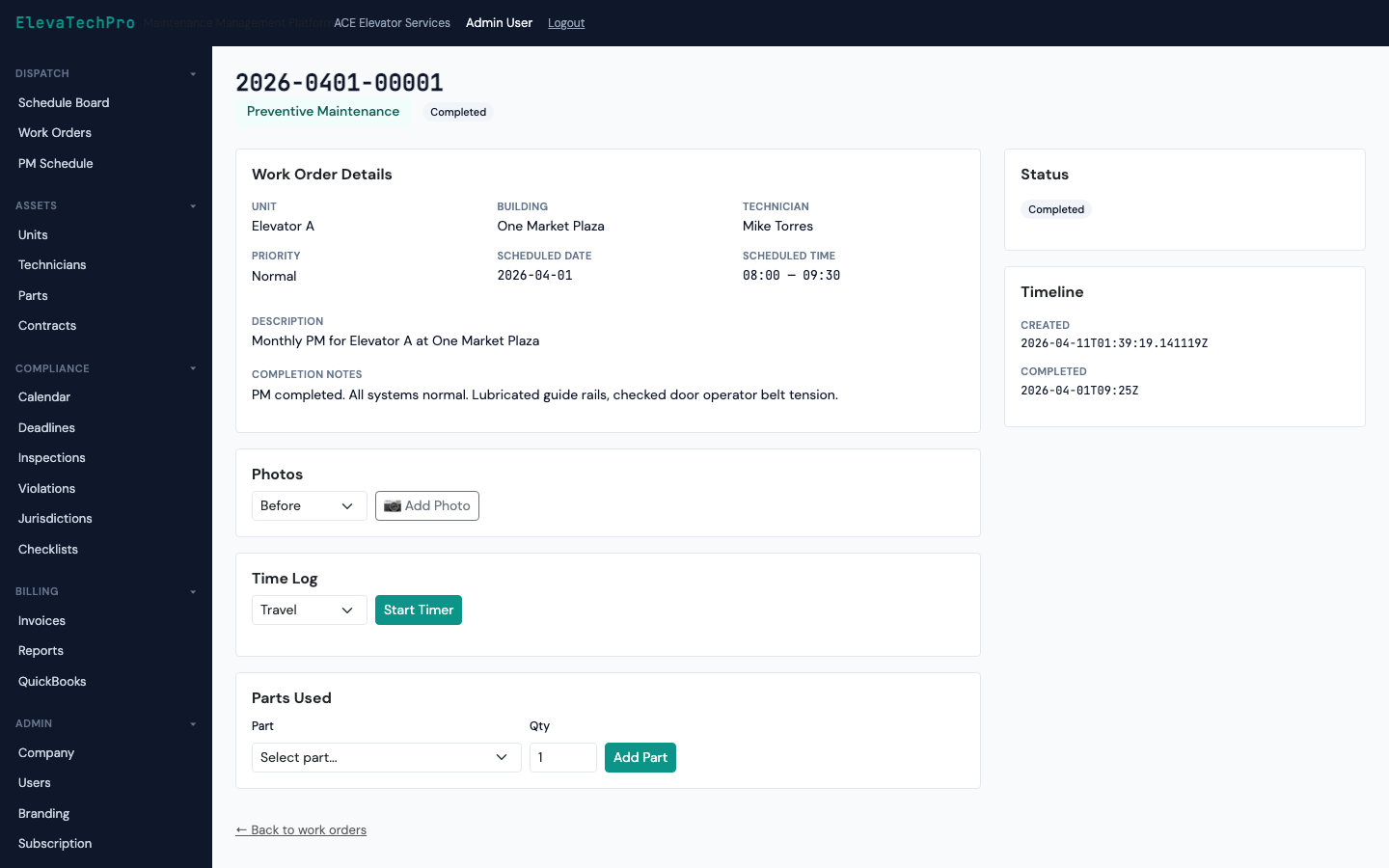
When a call comes in, create an entrapment work order with one click. It surfaces at the top of the board in red, shows the nearest available technician, and sends an SMS immediately.
Switch from day view to monthly calendar to see PM schedules, inspection deadlines, and workload distribution across the entire month.
| Dispatch Feature | ElevaTechPro | Generic FSM | Legacy Platforms |
|---|---|---|---|
| Drag-and-drop scheduling | ✓ Yes | ✓ Yes | ✓ Yes |
| SLA countdown timers on board | ✓ Live, color-coded | ✗ Reports only | ✗ Manual tracking |
| Emergency entrapment workflow | ✓ One-click, built-in | ✗ Generic urgent flag | ✓ Yes |
| Compliance deadlines on calendar | ✓ Auto-overlaid | ✗ Separate system | ✗ Separate calendar |
| Tech mobile push on reassignment | ✓ Instant push + SMS | ✓ Yes | ✗ Email only |
| No Microsoft licensing required | ✓ Standalone | ✓ Standalone | ✗ Requires Dynamics 365 |
We'll set up a demo with sample data that matches your team size and work order volume.