Complete ASME inspections in elevator pits with zero signal

Your techs work underground where cell service doesn't reach. ElevaTechPro works in airplane mode. Full checklist, photos, signatures, and PDF — all offline. Syncs automatically when they reconnect.
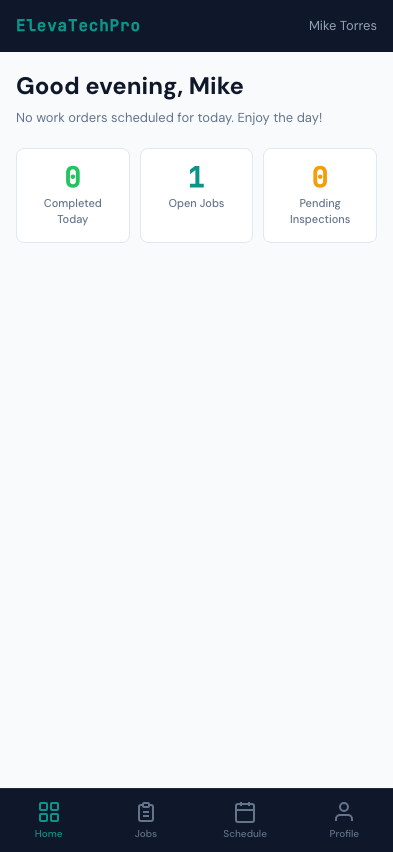
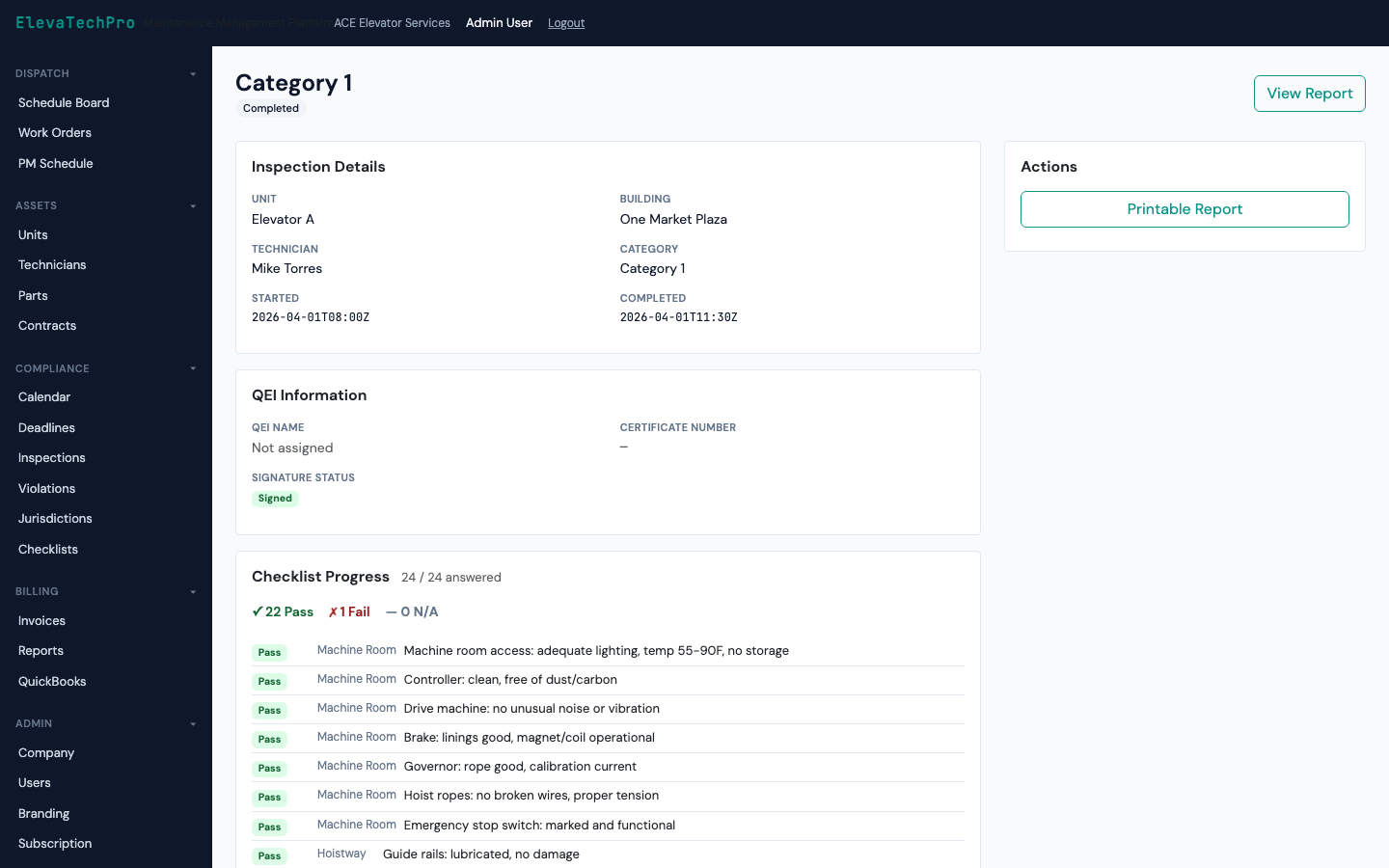
Mobile Inspection App

Seamless offline-to-online sync

No special setup. No export/import. The app handles everything.

Go Offline

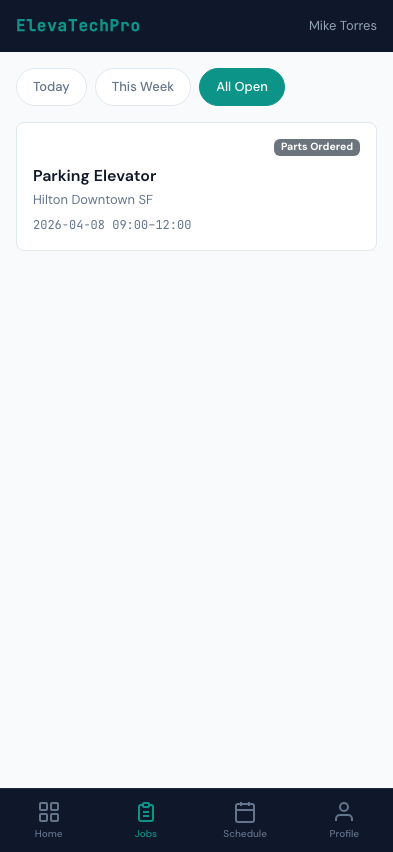
Work orders and checklists sync to the device before the tech leaves. Works in airplane mode, underground, in Faraday-cage machine rooms.

Complete Inspection

Run through the full ASME checklist. Mark pass/fail on each item. Capture photos. Add notes. Clock time. Everything saved locally in real time.

Auto-Sync

Walk outside and get signal. The app detects connectivity and syncs everything automatically — checklist, photos, violations, time entries.

✈ Works in Airplane Mode

All 167+ ASME checklist items available offline

The entire Cat 1 or Cat 5 checklist for the unit type loads onto the device before the tech arrives. Every item, every field, every code reference — no connectivity required.

  • Cat 1 and Cat 5 templates for all 8 unit types
  • Jurisdiction-specific items included automatically
  • Pass, fail, or N/A per item — with notes field
  • ASME code section reference visible on each item
  • Progress indicator — never lose your place mid-inspection
Inspection Checklist

Photo evidence attached to each checklist item

Every failed item can have photos attached directly from the phone camera — stored locally until sync. No more lost photos in text message threads.

  • Camera integrates directly inside the checklist
  • Multiple photos per checklist item
  • Photos stored locally until connectivity returns
  • Attached to the work order and visible in the PDF report
Mobile Work Orders

Tech and QEI signatures captured in the field

The inspection report is signed digitally — technician and QEI witness — before the tech leaves the site. Signatures stored in the PDF permanently.

  • Technician signature on inspection completion
  • QEI witness signature field for witnessed inspections
  • Timestamp and device metadata recorded
  • Signatures embedded in the PDF — tamper-evident
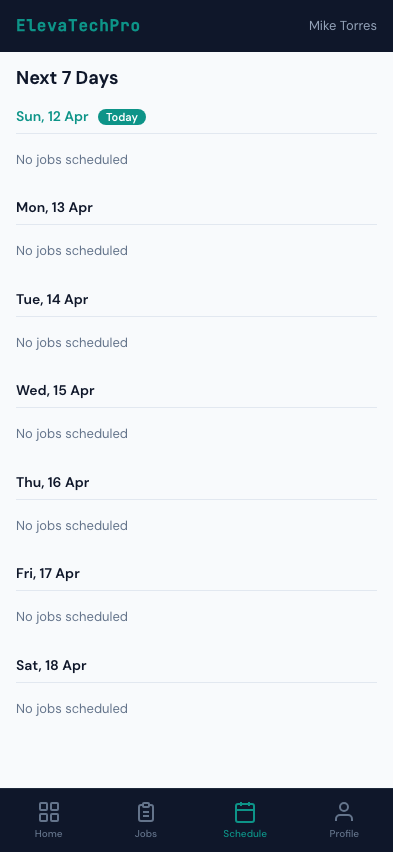
Mobile Schedule

Compliance report generated the moment inspection completes

No waiting for office staff to assemble a report. The PDF is generated automatically — with all checklist results, photos, signatures, and unit data — and attached to the work order immediately on sync.

  • AHJ-formatted compliance report PDF
  • All checklist results, violations, and photos included
  • Sent automatically to the customer portal for download
  • Filed in the work order and unit record permanently
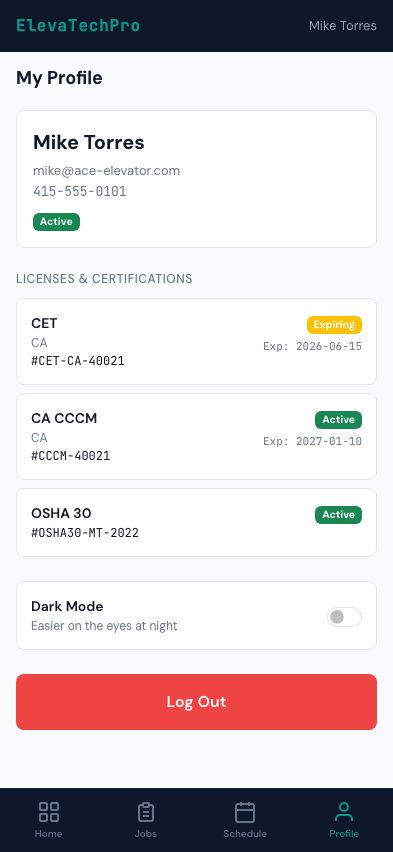
Mobile Profile

Every tap saved instantly. No data loss, ever.

Every checklist item, every note, every photo is written to local storage the instant it's captured. Power off the phone, change devices, lose signal — the work is never lost.

0
Data Loss Events
Since launch. Every tap writes to local storage immediately.
< 30s
Sync Time
From reconnect to fully synced — even with dozens of photos.
100%
Offline Capable
Every checklist feature works without any internet connection.

Stop losing inspection data in elevator pits

The only inspection app built to work where elevators actually are.